· Jason Louro
RPG Maker vs GDevelop vs Chunkyard: which no-code game maker fits you?
An honest comparison of three ways to make a 2D game without coding, including when Chunkyard isn't the right choice.
RPG Maker is the best pick for a classic turn-based JRPG. GDevelop is the best pick if you want a free, flexible engine and don't mind learning its event system or bringing your own art. Chunkyard is built for people who want to make a 2D top-down pixel art game without coding or drawing, and who are comfortable using AI to get there.
I make Chunkyard, so weigh this accordingly. I've tried to be fair, including about where the other tools are better.
At a glance
| RPG Maker | GDevelop | Chunkyard | |
|---|---|---|---|
| Best for | Turn-based JRPGs | Most 2D games, some 3D | 2D top-down pixel art games |
| How you build | Map editor, database, event system | Visual event system (or JavaScript) | Plain-English requests to a chat, plus forms |
| Art | Included art packs, or bring your own | Bring your own, or use its asset store | Generated in your game's style, approved by you |
| Coding needed | No, plugins are optional | No, code is optional | No |
| Price | Paid | Free and open source, paid tiers | Paid once, plus coins for generation (5,000 included) |
Check each tool's site for current features and prices. They change often.
RPG Maker
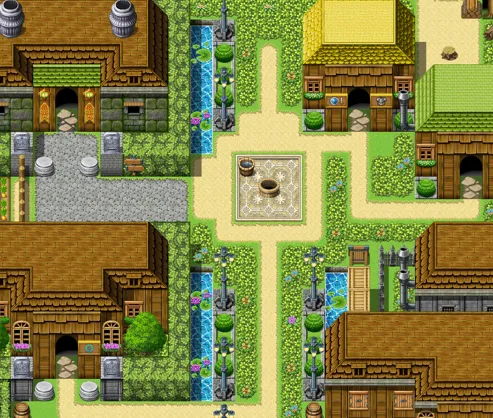
RPG Maker has been around since the 1990s and is built for one genre: the classic JRPG with tile maps, towns and turn-based battles. Thousands of games on Steam were made with it.
Choose it if you want turn-based battles, menus and parties out of the box, and you're happy with the classic RPG Maker look or can bring your own art.
Skip it if you want real-time action, or a game that doesn't fit the JRPG mold.
GDevelop
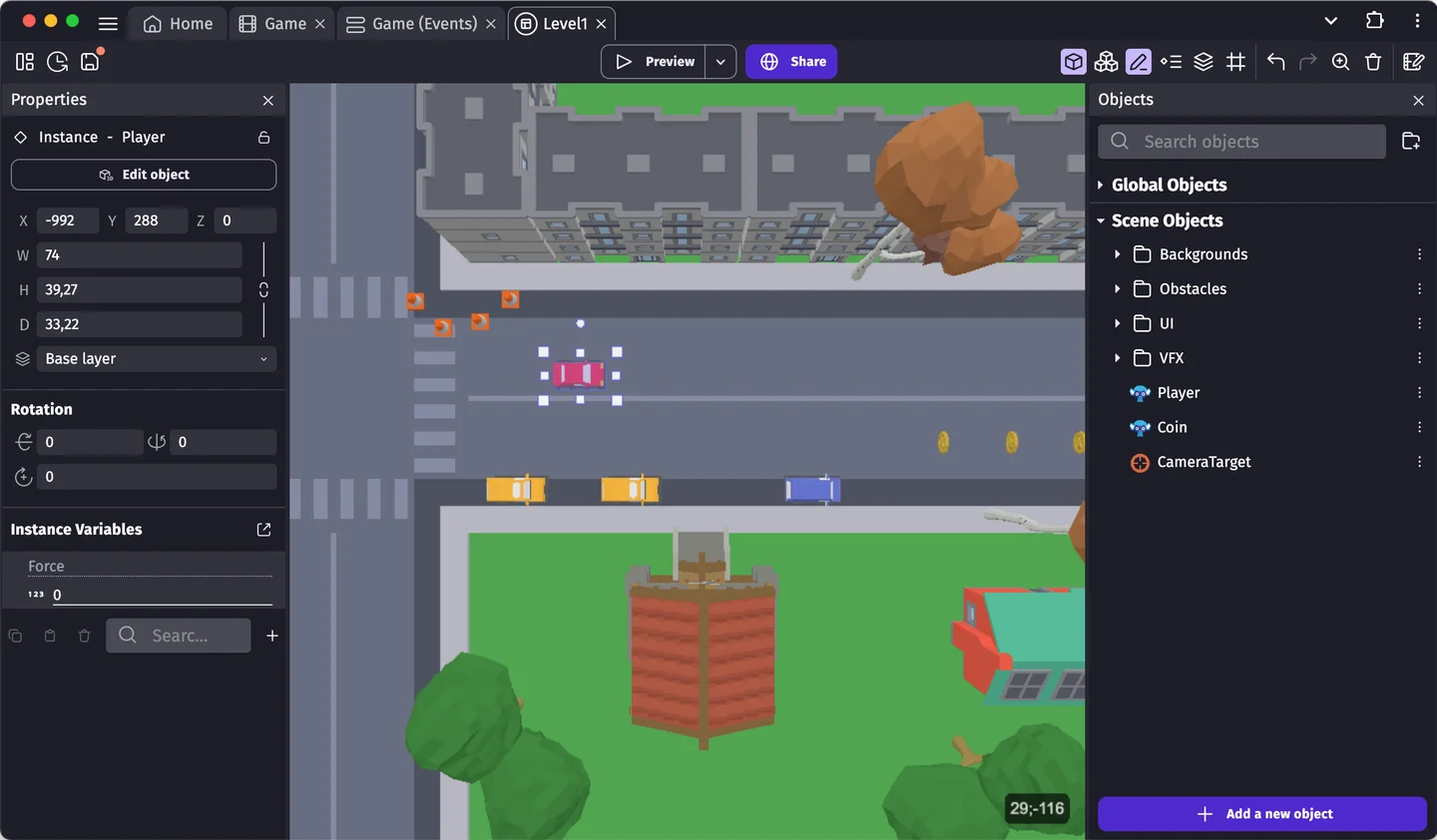
GDevelop is a free, open-source engine where you build game logic from visual events: conditions and actions you combine. It handles many genres and has a large community.
Choose it if you want flexibility and a free tool, and you're willing to spend some time learning how events work.
Skip it if art is your real blocker. You'll still need sprites, and making them consistent is up to you.
Chunkyard
Chunkyard is a desktop app for Windows, macOS and Linux for making 2D top-down games. You ask for a creature, an item or a rule in plain English, approve the art, and playtest as you go. The engine already includes the systems top-down games need: day and night, seasons, biomes, caves, farming and breeding, crafting, real-time melee and ranged combat, dialogue, shops, quests, endings and saves.
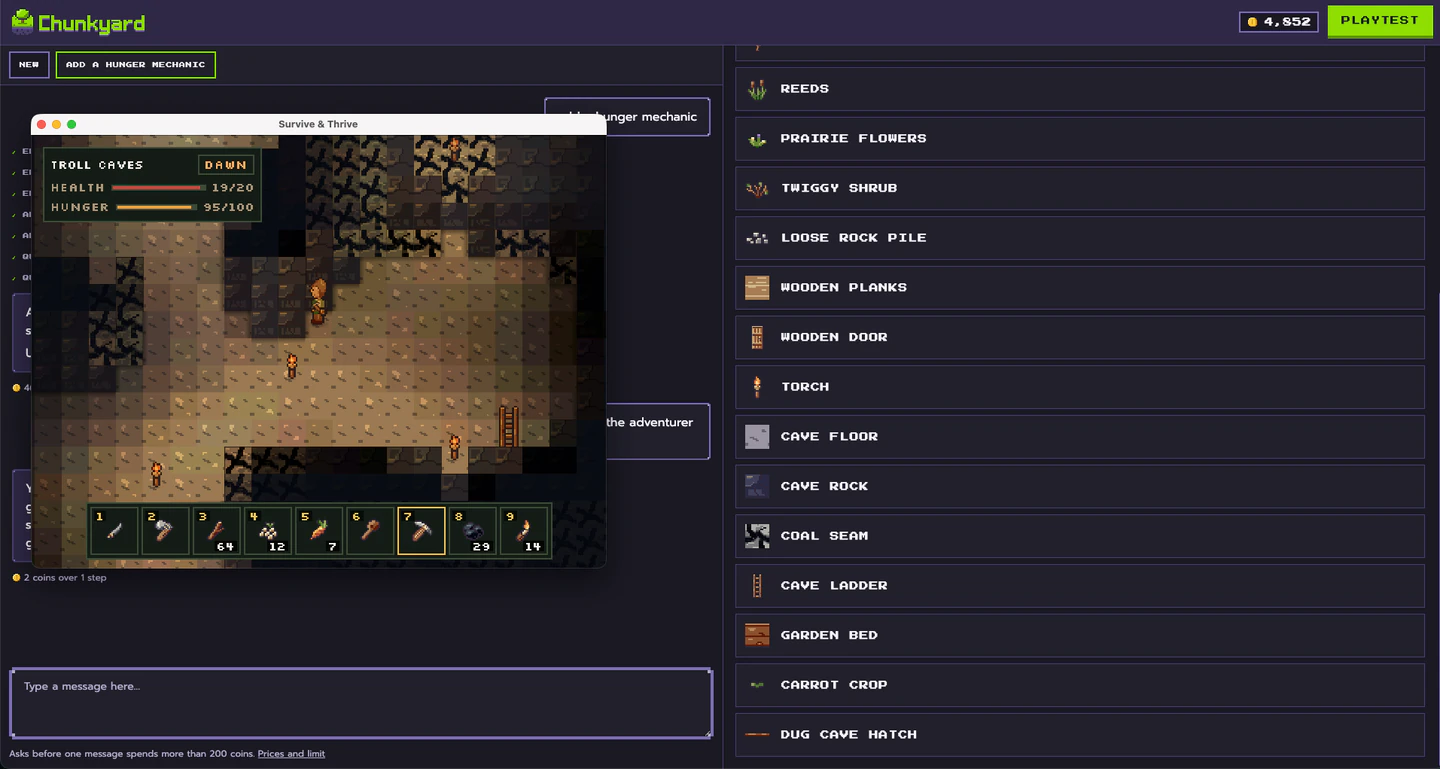
The pixel art engine is the main difference. It draws each sprite on a real 16-pixels-per-tile grid, checks and revises it, and keeps every sprite in your game's style. Here's how it works.

Choose it if you want to make a top-down survival game, RPG, farming sim, dungeon crawler, creature collector or sandbox, and you can't code or draw.
Skip it if:
- you want turn-based battles, multiplayer or cutscenes (none of these are supported)
- you want a platformer, a side-scroller or 3D
- you'd rather not use AI at all
- you want full control over code (GDevelop or a full engine like Godot suits you better)
Can you sell what you make?
With all three, yes. Games made with RPG Maker and GDevelop are sold on Steam all the time. Chunkyard exports to Windows, macOS, Linux and the web, and the games you make are yours to share or sell, with an AI disclosure on your store page. Here's what that involves.
My advice
Pick the tool that removes your biggest blocker. If it's genre fit, pick RPG Maker. If it's cost and flexibility, pick GDevelop. If it's art and code together, try Chunkyard.