· Jason Louro
How Chunkyard's pixel art engine works
Why Chunkyard never lets an AI model paint pixels directly, and how sprite specs, a linter, a reviewer and a style kit keep every sprite clean and consistent.
Chunkyard's pixel art engine never asks an AI model to output pixels. Instead, a model writes a small spec for a sprite, Chunkyard's own code renders it at 16 pixels per tile, a linter measures the result, and a vision model reviews it. A weak draft gets up to two revisions. Only then does the sprite reach you for approval.
I built it this way because I know what most AI art looks like, and I didn't want that in my games.
Why AI pixel art usually looks wrong
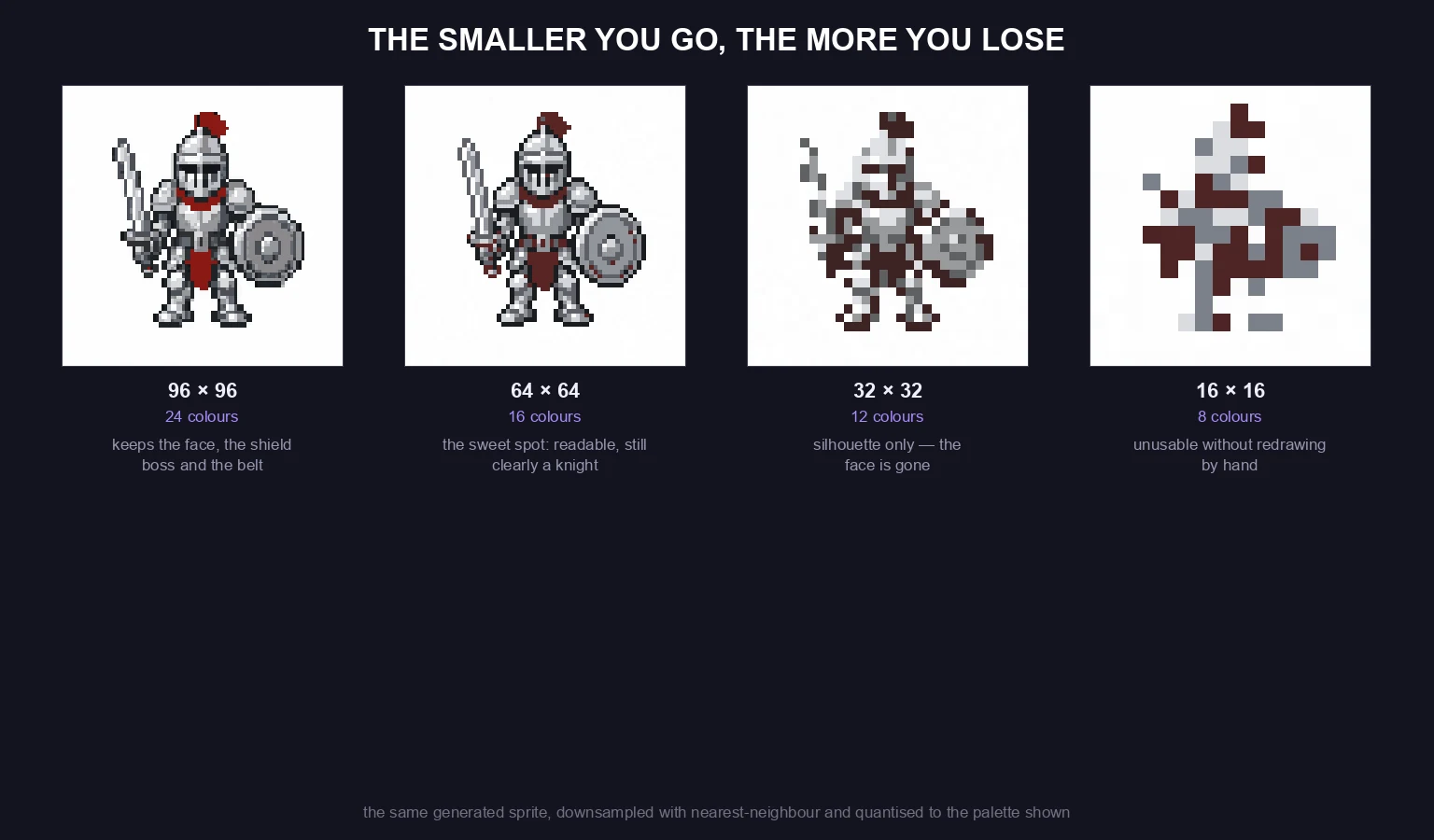
Most image models are trained to make large, detailed pictures. Asked for pixel art, they paint something that looks pixelated from a distance. Up close, the problems show:
- No real grid. Pixels are blurry or different sizes, because the image was shrunk down.
- Too many colors. Hundreds of shades where pixel art uses a handful.
- Muddy edges. Soft anti-aliasing instead of clean outlines.
- A different style every time. One sprite is lit from the left, the next from above.
You can clean some of that up by hand, but it isn't a fix. You can find an interesting article on this topic here.
The idea: the model describes, code draws
Chunkyard splits the work by what each side does well.
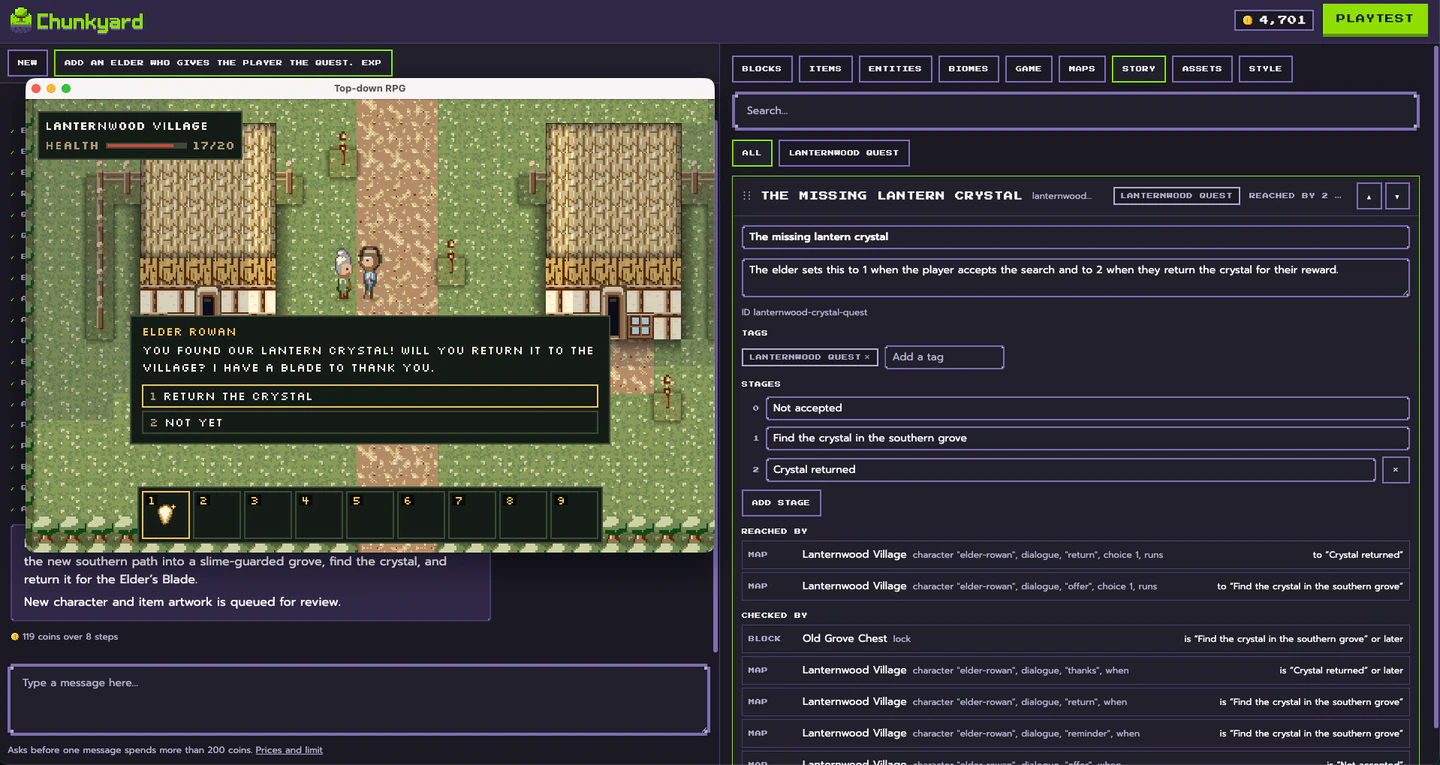
The model owns the look. It decides what a creature should look like: its shape, its colors from your palette, where the highlights go. It writes that down as a short spec, a list of instructions like "fill this shape with this color, outline it, add a highlight here."
Code fills in the pixels. Chunkyard's renderer runs that program on an exact grid: 16x16 for a tile or an item, 16x32 for a creature. Code, not the model, handles the parts of pixel art that follow rules:
- palette ramps, expanded so shadows lean cool and highlights lean warm
- seamless tiling, so grass and walls repeat without visible seams
- the twelve border pieces where one ground meets another, cut so they always line up
- outlines, shading from the kit's light direction, and cleanup of stray pixels
- creature animation
Because those rules are enforced in code, they don't drift.

Creatures are drawn once and posed by code
For a creature, the model writes a character spec instead: bones such as body, head, arms, legs, wings or tail, with small drawn parts hung on them, and a gait like walking, hopping, slithering or flapping. Code poses those bones for every frame of every clip: idle, walk, attack, hurt, death and, where needed, use and swim. It does this facing south, north and east, and mirrors east for west.

The same parts are redrawn in every frame, so a creature stays on-model from every side. You can change how it moves, its stride, bounce, attack style and reach, without redrawing it.
Every sprite is checked, then revised
Once a sprite is rendered, two checks run.
- A linter measures it. It counts problems: holes in a ground tile, speckled or noisy pixels, too many colors, a sprite cut off at the edges, a pattern that visibly repeats, animation frames that don't move, a body part that isn't attached.
- A vision model critiques it. It looks at an enlarged contact sheet: the sprite tiled into a grid, placed on ground, and every animation clip in a row. Then it scores the drawing and lists what to fix.
If the score is below 8 out of 10, or the linter found errors, the model sees its render and the critique and writes a new drawing. That happens up to two times, and you get the best-scoring version.
The style kit keeps a game consistent
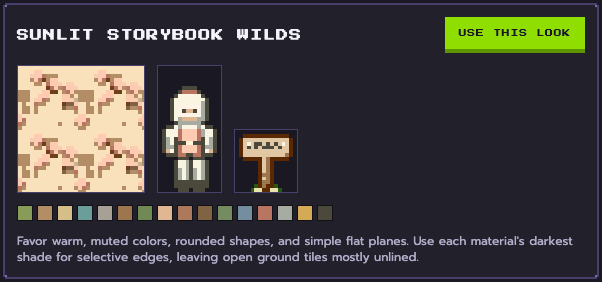
Each game has a style kit: named color ramps plus rules for outline, light, shading and detail. Every sprite in that game follows it. That's why the hundredth sprite in your game matches the first, and why two different Chunkyard games can look nothing alike.
When you start a game, Chunkyard offers three readings of your art direction, each shown on a sample tile, character and object, and you pick one. Hue, saturation and brightness sliders and per-ramp colors adjust it later. For a fixed palette, like a four-shade handheld look, you can lock the kit so no new colors get added.
You approve everything
Finished drawings wait in Studio's Assets tab for review. You see each one on your game's ground at your game's tile size, with walk cycles crossing the ground and tiles repeated so seams would show. Approve it, or redraw it. A redraw with notes changes only what the notes mention, and one without notes starts fresh. Nothing goes into your game until you've said yes.
Approved art is saved as files in your game's folder, next to the drawing program that made it. Re-rendering a saved drawing is free, so changing your palette later doesn't mean paying to redraw everything.
What this means for your game
- Art that sits on a real pixel grid, 16 pixels per tile
- One consistent look across every creature, item and tile
- Tiles that repeat without visible seams
- The final call is always yours
It's still AI, and a human artist would get you better results. But I know that being able to engage a human artist is out of reach for most people.
For those interested, I've written more on how Chunkyard uses AI and what it doesn't do.